Made an accessibility statement:
2 Likes
Re: Screen reader accessibility for heading anchors:
My website’s approach to screen reader accessible heading anchors is adding aria-labelledby with the same value as the heading’s id attribute to the anchor link, placing the anchor link element outside the heading element, then creating a heading wrapper element to wrap both the anchor link and the heading, so the HTML output of my site’s heading anchors is something like this:
<div class="heading-wrapper h2">
  <h2 id="this-is-a-heading">This is a heading</h2>
  <a
    href="#this-is-a-heading"
    aria-labelledby="this-is-a-heading"
  >
    <span hidden>#</span>
  </a>
</div>
When the anchor link is focused, the screen reader will read out the heading.
I use Eleventy, so I learned this method from 11ty Rocks! guide for heading anchor links to configure the markdown-it-anchor plugin to generate the above HTML output.
I’m not familiar with Hugo, so I’m not sure how to do it in Hugo, but perhaps you can figure out a way to generate the HTML with Hugo.
On my pagan site, if you share your location with the daily dashboard, it will display solar times for your location.
(Location settings are right at the bottom, and once given you need to refresh the page for sun times to appear.)
The daily dashboard is styled a bit like a newspaper & I love adding things to it. And I do use it myself to check every day.
Next thing I’m gonna do is create a separate page where people can opt in/opt out of sharing their location, and then use it to set the wallpapers. Right now, there is a day/night cycle for wallpapers based on local time, but it’d be even cooler if the website’s perception of day/night matched what was happening outside your window.
This is accomplshed using localStorage (very easy to do!) and data never leaves your browser, so I’m excited to think of new things I can do with it.
2 Likes
I remembered an article @vivivi sent to me a while ago, so I went with the solution from it in the end:
<div class="heading-container">
    <h2 id="1747856039">Me</h2>
    <a href="#1747856039" class="heading-anchor">
      <span aria-hidden="true">#</span>
      <span class="visually-hidden">Section titled 'Me'</span>
    </a>
</div>
1 Like
Thinking of bringing back dark mode support…
I’ve also got to find a place to put this.

Tara Brennan did this as a practice piece, but I liked it enough to pay her. It’s based on a screenshot of my FFXIV toon.
2 Likes
Oh yeah, I had actually found and read that Amber Wilson’s article about accessible anchor links before. The 11ty Rocks! guide I shared mentioned Nicolas Hoizey, whose own article about creating accessible anchor links with markdown-it and Eleventy was inspired by Amber Wilson’s article.
I just put together a m4 macro to create ARIA-friendly anchors with headings.
m4_define(`__H2', `
<div class="subheading">
    <h2 id=$1>$2</h2>
    <a href="\#$1" aria-labelledby="$1">
       <span aria-hidden="true">⚓</span>
    </a>
</div>
')
(Discourse doesn’t have syntax higlighting for m4 macros. LOL)
I make the headings look nice with the following CSS.
.subheading > * {
    display: inline-block;
}

.subheading > h2 {
    margin: 1rem 0;
}
I have similar macros for h3 to h6.
However, I’ve now got to go through every page with subheadings and manually every use of raw HTML with the appropriate macro.
Until I get around to that, however, every page has a table of contents on the left under the site navigation, and you can right-click and copy anchor links from there.
Also, I’ve redone my layout to use CSS Grid where it makes sense to do so instead of doing everything with Flexbox. Also, dark mode support is back.
2 Likes
Fixed some layout bugs today, and also figured out how to block selected user-agents (search engine crawlers and AI bots) and referrers in .htaccess.
What I’m doing is basically the equivaent of putting up a “no trespassing” sign, of course, but I feel better for doing so.
1 Like
After the loss of Neorings earlier this month I have started a new project. I want to recreate the old Ringlink webring system.
The last version of Ringlink was version 3.4, written in 2017. I will be running it on the latest version of Strawberry Perl with the latest versions of the added Perl libraries and modules, especially the security ones, Ringlink will run with.
I installed the basic files this morning, until I get everything configured properly the links on the page go to the long gone Ringlink page or give a server error.
It might take a couple of days to configure with a bit longer to test. It might even have to be abandoned depending on how it goes. I’m not sure yet whether I will use it to start my own webrings, or throw it open so people can create their own as well, which it was originally designed for. Whatever happens, it will keep me amused for a while.
6 Likes
Added a Palestine masterlist to my own website, and a spotlight section to my home page to link to the masterlist.
4 Likes
Successfully built a tumbleblog with Chyrp Lite and hosted it on InfinityFree with my custom subdomain at tumbleblog.leilukin.com. 
I support the use of CSS Grid!! 
I made a simple and ugly template for another page, I’m trying to make it better. How do you like it? It seems to me that something is missing there, but I can’t figure out what yet, I want to fix it
I know it’s part of the intended effect, but the tail and the paw obscure parts of the text and I find that annoying.
Changed the colours of my tumbleblog layout to match my main site.

Created an adoptables page for my website, which includes the stuff I collected from 32-Bit Cafe’s latest Destination Vacation code jam. 
3 Likes
Found some misspellings on various pages which made me twitch so I fixed those. I’m sure there are more throughout the site, those are just the ones I found!
Added 8 sites to Linkware Websets
Added a new site button to the index page
New entry in the Godzilla Chronicles!
And a blog entry.
1 Like
I changed the Home Page and Index Page again because I really didn’t like the old one
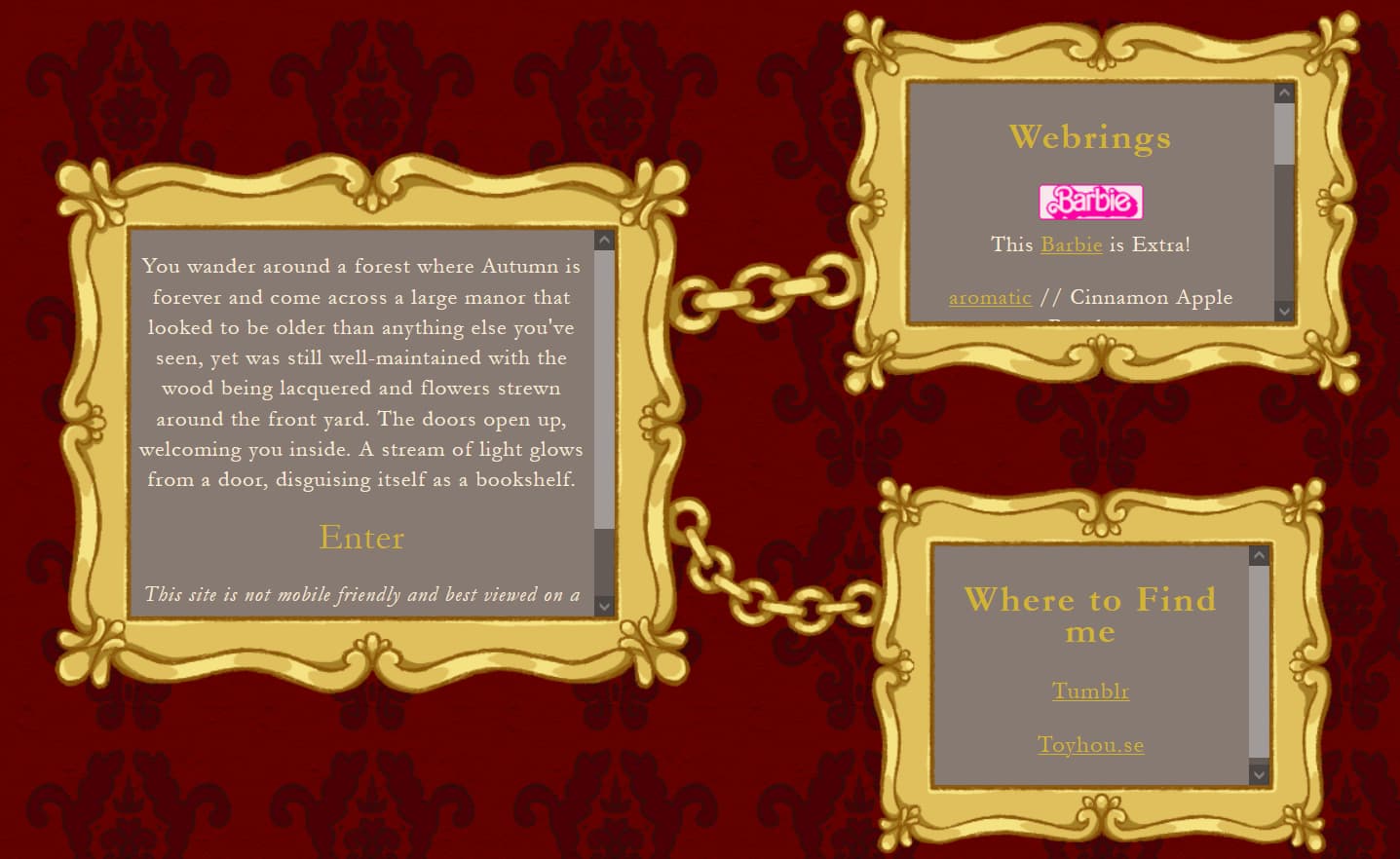
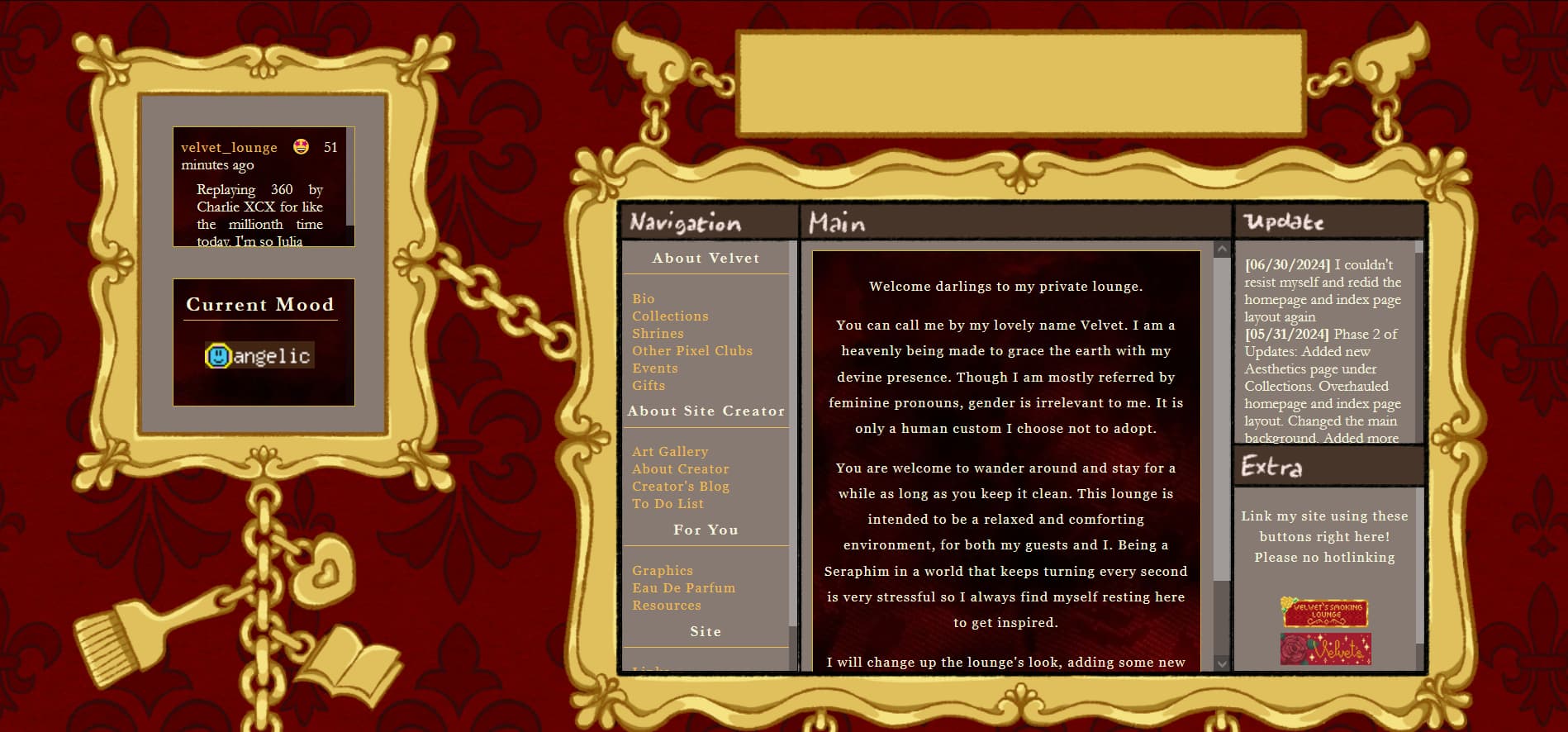
I illustrated the frames myself as well as the backgrounds. I just realized I forgot the title and copyright text but ya know I’m too lazy to add it rn so lets not worry about that 
Previews:
7 Likes
Just updated my Now page 
I’ll be adding digital garden stuff hopefully soon.
2 Likes