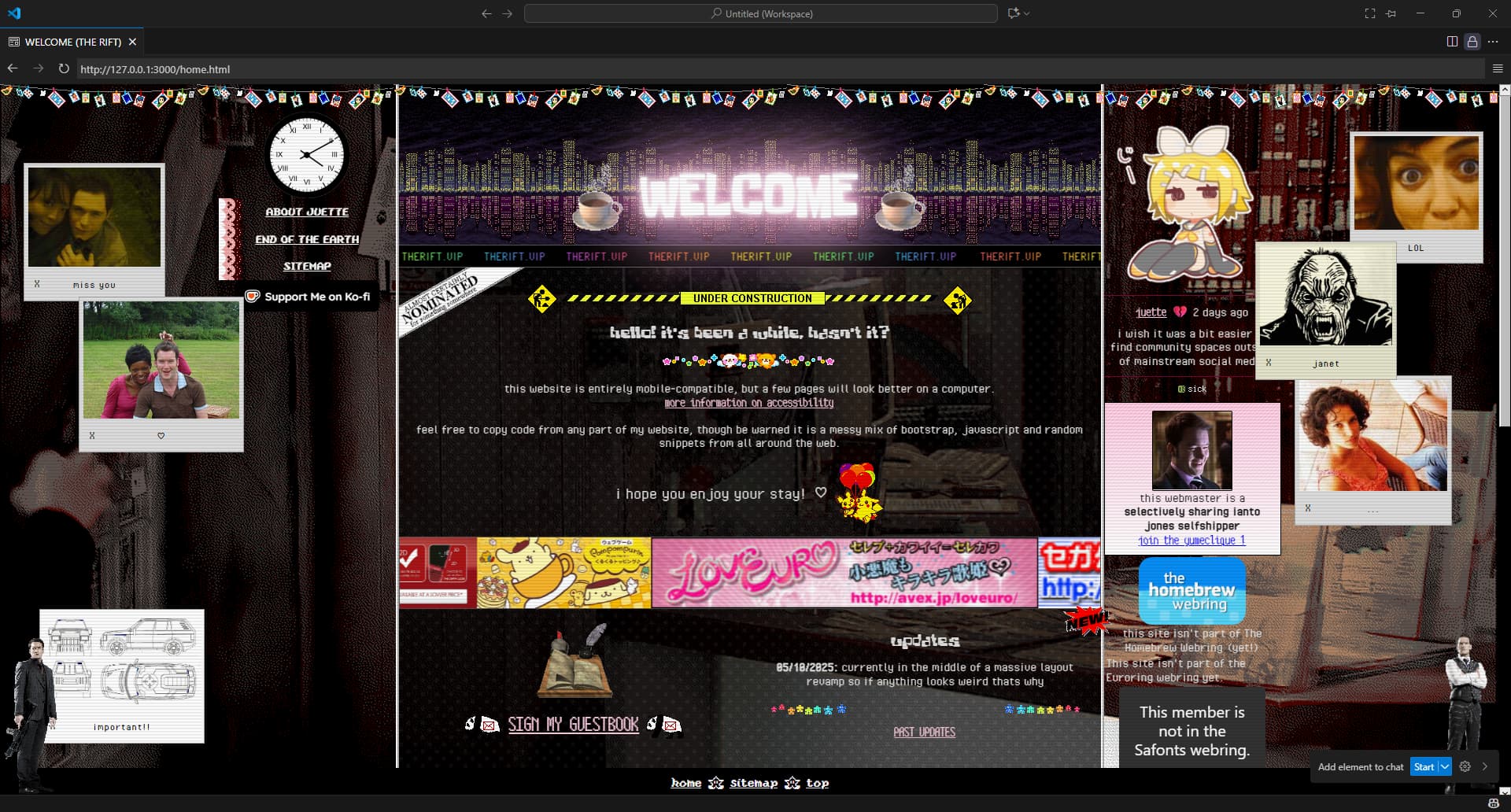
🚧 What did you do to your website today?

not really something i did to my website yet since im still in the brainstorming stage but im trying to figure out how to make my wardrobe pages

current ideas

im currently using an external platform to keep photos of all of my clothes and i dont even have everything on it but i already have 140 items :sob: (most are accessories but still) so i definitely cant put everything on a single page or itll be wayyyyy too big and annoying to navigate

I’m thinking of dividing it into tops, bottoms, sets (i dont have that many yet but whatever), coats, shoes, and accessories (possibly splitting up the accessories page into multiple ones?) and putting a JavaScript filter per color on each page. as for information included i will put the brand for sure but idk if i wanna put the price… i do like knowing how much i paid for what but also being like ā€œheres a piece of clothing i spent 150€ on :zany_face:ā€ always feels a bit like bragging. ill probably put whether i bought them new or used though

umm thats basically all so far

feel free to give feedback if you have any better ideas than me

2 Likes

Touched CSS for the first while in a long while, no major changes, just futzed.

Don’t like how my site looks, have a vague idea of what I actually want, but struggling with the implementation.
Technical implementation isn’t really the issue, I feel I have no sense of taste, and I’d be trial and erroring my way through getting something that looks not terrible, but I’ve not got time for that right now.

3 Likes

would love to hear how you end up doing this project. i’ve been stuck about my wardrobe page for years atp because i can’t figure out how to take good photos of them lmao

1 Like

My immediate thought when you said you want to categorise was to take inspiration from how dress up games do it lol, but I also looove that style so yk lol

And I definitely agree with the choice not to include price! it easily gets silly anyway, with 2nd hand stuff and diy stuff getting odd numbers imo. I’m interested in where you end up though!

1 Like

i think for most things ill put them on a hanger and try to find a room with nice lighting for photos

2 Likes

I made some accessibility-related changes to my site today. I liked my old design and the palette picker was fun, but contrast wasn’t great overall and links weren’t as obvious as they could have been… I wrote about the changes I made here. One thing I didn’t mention is that I also turned my site’s li’l cat mascot into a favicon, heh. :meow_cheer:

2 Likes

im thinking about how in some dress up games you can only pick 1 element per category so it makes sense to separate like, earrings necklaces and bracelets into 3 categories but in real life i dont think i have enough jewellery for it to make sense. so unfortunately i do have to create my own categories to an extent

a dress up game of myself would fuck immensely though. i will keep it in mind

2 Likes

I’ve been rethinking the makefile I use to build my website, along with its fundamental design. I’m going to drop the makefile here. It works with GNU make and is basically a DIY static site generator that works with hand-written HTML files with metadata in sed scripts. If none of that makes sense to you, don’t worry about it.

#
# oedipus.mk
# Ā© 2025 Matthew Cambion <contact@starbreaker.org>
# Available under the terms of the GNU General Public License v3
# (see LICENSE.txt for details)
#
# This makefile builds an oedipal website.
# No JavaScript. No PHP. No Node. No Python. No Ruby. No ASP.NET. No JSP. No nonsense.
# You can run this on a MEWNIX system. Your cat knows this.
#
# Sites built with oedipus.mk are searchable if you install and use the Rust version of pagefind and provide a search page.
# It provides support for modern image formats (AVIF) using avifenc.
# Metadata is handled with sed.
# Deployment is handled by rsync over SSH.
# No need for CI, or a database-driven CMS running on the destination server.
#


#
# VARIABLES
# make only knows how to deal with C sources and headers by default.
# For other files, like HTML, CSS, and images, it needs explicit instructions.
# Let's abstract that out into a separate file, along with SSH variables.
#
include make.config


#
# set PHONY targets just in case
#
.PHONY: build directories html stylesheets images robots favicons sitemap \
        htaccess avatar search install downloads archive serve clean help


#
# DEFAULT ACTION
# make always treats the first target as the default
#
build: html stylesheets images robots favicons htaccess avatar sitemap downloads  ## Build the whole website
	@echo "Build completed at: $(shell date)"


#
# FORCE REBUILD AFTER CHANGING INCLUDES, M4 MACROS, OR common.sed
# 
.PHONY: rebuild
rebuild:  ## Force a full rebuild of the website
	$(MAKE) -B -j$(shell nproc)


#
# CREATE DESTINATION PATHS
#
directories:  ## Make directory paths under website/
	@echo "Build started at: $(shell date)"
	@echo "MAKEFLAGS: $(MAKEFLAGS)"
	mkdir -p $(DST_DIR)/.well-known
	rsync -a --include='*/' --exclude='*' "${SRC_DIR}/" "${DST_DIR}/"


#
# PROCESS WEB PAGES
#
html: $(DST_HTML)  ## Process all HTML files

$(DST_DIR)/%.html: $(SRC_DIR)/%.html $(SRC_DIR)/%.sed | directories
	hxincl -x -f -b ./includes/ "$<" \
	| m4 -Q -P -E -I ./includes/ \
	| hxtoc -x -t -l 2 \
	| sed -f $(subst html,sed,$<) -f common.sed -f $(subst html,sed,$<) \
	    -e "s|__UPDATED|$(UPDATED_DATE)|g" \
	    -e "s|__ISO_UPDATED|$(UPDATED_ISO)|g" \
	    -e "s|__DISPLAY_UPDATED|$(UPDATED_DISPLAY)|g" \
	    > "$@"
	# tidy puts out spurious error return codes that screw up make
	tidy -config $(TIDY_HTML) -m "$@" 2> /dev/null || true
	sed -i 's/<!--/\n\t<!--/g' "$@"

#
# INSTALL STYLESHEETS
#
stylesheets: $(DST_STYLES)  ## Install stylesheets

$(DST_STYLES_DIR)/%: $(SRC_STYLES_DIR)/% | directories
	install -m 644 "$<" "$@"


#
# IMAGE PROCESSING
#
images: $(DST_JPG_AVIF) $(DST_PNG_AVIF) $(DST_SVG)  ## Convert legacy image formats to modern ones

$(DST_DIR)/%.avif: $(SRC_DIR)/%.jpg | directories
	avifenc -q 80 --ignore-exif --ignore-icc --ignore-xmp "$<" "$@" 1> /dev/null 2> /dev/null

$(DST_DIR)/%.avif: $(SRC_DIR)/%.png | directories
	avifenc -q 80 --ignore-exif --ignore-icc --ignore-xmp "$<" "$@" 1> /dev/null 2> /dev/null

$(DST_DIR)/%.svg: $(SRC_DIR)/%.svg | directories
	install -m 644 "$<" "$@"


#
# DIRECTIVES FOR SEARCH ENGINES AND SCRAPERS
#
robots: $(DST_DIR)/robots.txt $(DST_DIR)/ai.txt ## Copy over robots.txt and ai.txt if updated

$(DST_DIR)/robots.txt: $(SRC_DIR)/robots.txt | directories
	install -m 644 "$<" "$@"

$(DST_DIR)/ai.txt: $(SRC_DIR)/ai.txt | directories
	install -m 644 "$<" "$@"


#
# FAVICONS
#
favicons: $(DST_DIR)/site.webmanifest $(DST_DIR)/apple-touch-icon.png $(DST_DIR)/favicon.ico $(DST_DIR)/card.png

$(DST_DIR)/site.webmanifest: $(SRC_DIR)/site.webmanifest | directories
	install -m 644 "$<" "$@"

$(DST_DIR)/apple-touch-icon.png: $(SRC_DIR)/apple-touch-icon.png | directories
	install -m 644 "$<" "$@"

$(DST_DIR)/favicon.ico: $(SRC_DIR)/favicon.ico | directories
	install -m 644 "$<" "$@"

$(DST_DIR)/card.png: $(SRC_DIR)/card.png | directories
	install -m 644 "$<" "$@"


#
# .htaccess
#
htaccess: $(DST_DIR)/.htaccess  ## Copy over .htaccess if updated

$(DST_DIR)/.htaccess: $(SRC_DIR)/htaccess.conf | directories
	install -m 644 "$<" "$@"


#
# .well-known/avatar
#
avatar: $(DST_DIR)/.well-known/avatar  ## this is a non-standard .well-known path implemented with a 301 redirect in .htaccess

$(DST_DIR)/.well-known/avatar: $(SRC_DIR)/assets/images/author.jpg | directories
	install -m 644 "$<" "$@"

#
# XML SITEMAP GENERATION
#
sitemap: $(DST_DIR)/sitemap.xml  ## use awk to generate a XML sitemap for search engines

$(DST_DIR)/sitemap.xml: $(DST_HTML) | directories html
	@printf "%s\n" $^ | awk -v url="$(SITE_URL)" -v root="$(DST_DIR)/" -v updated="$(UPDATED_ISO)" ' \
		BEGIN { \
			print "<?xml version=\"1.0\" encoding=\"UTF-8\"?>"; \
			print "<urlset xmlns=\"http://www.sitemaps.org/schemas/sitemap/0.9\">"; \
		} \
		{ \
			gsub(root, "", $$0); \
			print "  <url>"; \
			print "    <loc>" url "/" $$0 "</loc>"; \
			print "    <lastmod>" updated "</lastmod>"; \
			print "  </url>"; \
		} \
		END { print "</urlset>" }' > $@


#
# SEARCH SUPPORT
#
search:  ## implement on-site search using pagefind (in Rust).
	~/.cargo/bin/pagefind --site website/


#
# DEPLOYMENT
#
install: build search  ## build and deploy the site to my hosting provider
	@echo "Upload started at: $(shell date)"
	rsync --rsh="ssh ${SSH_OPTS}" \
	      --delete-delay \
	      --omit-dir-times \
              --info=progress2 \
              -acvz $(DST_DIR)/ ${SSH_USER}@${SSH_HOST}:${SSH_PATH}
	@echo "Upload completed at: $(shell date)"

#
# HELPERS
#
downloads:  ## Copy over downloads
	install -m 644 sources/assets/downloads/* website/assets/downloads/


archive: ## Zip up the website for offline reading
	rm -rf $(TARBALL)
	tar -cJf $(TARBALL) website/


serve:  ## run a basic HTTP server on localhost
	python3 -m http.server -d website/


clean:  ## Clean out cruft
	rm -rf $(DST_DIR)


help:  ## Show this help
	@[ "$$NO_CLEAR" = "1" ] || clear
	@grep -E -h '\s##\s' $(MAKEFILE_LIST) | \
	awk 'BEGIN {FS = ":.*?## "}; {printf "\033[34m%-15s\033[0m %s\n", $$1, $$2}'

And I should include the companion make.config, too.

#
# make.config file used by oedipus.mk
# Ā© 2025 Matthew Cambion <contact@starbreaker.org>
# Available under the terms of the GNU General Public License v3
# (see LICENSE.txt for details)
#

# base URL (for generating sitemap.xml and possibly RSS feeds)
SITE_URL          := https://starbreaker.org

# tarball location for archive
TARBALL           := website/assets/downloads/website.tar.xz

# build date in various formats
UPDATED_DATE      := $(shell date --rfc-822)
UPDATED_ISO       := $(shell date -Iseconds)
UPDATED_DISPLAY   := $(shell date +'%A, %e %B %Y')

# sources
SRC_DIR           := sources
SRC_IMAGES_DIR    := $(SRC_DIR)/assets/images
SRC_STYLES_DIR    := $(SRC_DIR)/assets/styles
SRC_HTML          := $(shell find $(SRC_DIR) -type f -name '*.html')
SRC_SED           := $(shell find $(SRC_DIR) -type f -name '*.sed')
SRC_STYLES        := $(shell find $(SRC_STYLES_DIR) -type f)
SRC_JPG           := $(shell find $(SRC_IMAGES_DIR) -type f -name '*.jpg')
SRC_PNG           := $(shell find $(SRC_IMAGES_DIR) -type f -name '*.png')
SRC_SVG           := $(shell find $(SRC_IMAGES_DIR) -type f -name '*.svg')

# destinations
DST_DIR           := website
DST_IMAGES_DIR    := $(DST_DIR)/assets/images
DST_STYLES_DIR    := $(DST_DIR)/assets/styles
DST_HTML          := $(patsubst $(SRC_DIR)/%.html, $(DST_DIR)/%.html, $(SRC_HTML))
DST_STYLES        := $(patsubst $(SRC_DIR)/%, $(DST_DIR)/%, $(SRC_STYLES))
DST_JPG_AVIF      := $(patsubst $(SRC_IMAGES_DIR)/%.jpg, $(DST_IMAGES_DIR)/%.avif, $(SRC_JPG))
DST_PNG_AVIF      := $(patsubst $(SRC_IMAGES_DIR)/%.png, $(DST_IMAGES_DIR)/%.avif, $(SRC_PNG))
DST_SVG           := $(patsubst $(SRC_IMAGES_DIR)/%.svg, $(DST_IMAGES_DIR)/%.svg, $(SRC_SVG))

# SSH settings
SSH_OPTS          := -o StrictHostKeyChecking=no -o BatchMode=yes -o ConnectTimeout=10
SSH_USER          := "Redacted LOL"
SSH_HOST          := "Redacted LOL"
SSH_PATH          := "Redacted LOL"

# tidy settings
TIDY_HTML       := tidy-html.conf
TIDY_XML        := tidy-xml.conf
3 Likes

new status update! also gonna be working on reuploading my logbook (aka. my blog posts) to my site!!

2 Likes

i gave the characters with more than 10 images their own gallery page! see:

2 Likes

Low-key major update of my vampires page, all because I wanted to write a snippet about having watched saw (2004) after much too long lmao. The code was a bit atrocious so I gave it a major clean-up and de-JavaScripted the whole page. Just because I could, really. Still some stuff I wanna get done, but my ā€œgoing to bed at 22ā€ suddenly turned into ā€œoh my it’s 03ā€ so it’s time to quit for tonight

3 Likes

I did something similar to this a little while back with markdown, pandoc, and I think some jinja2 templating. It sure wasn’t easy. This looks like a very well cared for set of Makefiles!

Thanks! At one point I was processing Markdown and Org Mode text with pandoc, but that’s a heavy dependency that adds a lot of wall clock time even when the build process is incremental and parallelized. Besides, it’s unnecessary if you can write your own HTML and have a cat who knows MEWNIX.

I still use a Makefile to consistently run the tasks involved in generating my static site output, but I know that I am not using it to its fullest potential. I have an 11ty based website these days so it mostly consists of PHONY targets to kick off 11ty, and then to move some things around that are outside of the 11ty build.

I do like the idea of building out the site without any kind of generator like 11ty, but I’ve got a tenuous grasp on make and coreutils and etc and decided it might be a better use of time to outsource that to 11ty and spend what time I do have trying to write stuff. It might be fun to give it another shot someday though! A friend of mine uses a series of bash scripts to generate theirs and it works surprisingly well for them.

If your setup works for you, stick with it. You don’t have to do it my way.

My approach is mainly about taking advantage of knowledge I had already picked up along the way, and about proving to myself that it could be done, that one can build a website with plain old HTML and CSS and provide some modern amenities like consistent components without resorting to a SSG or CMS with lots of gnarly dependencies.

But I’m nowhere near using m4, sed, or awk to their fullest potential. They seem impressive, but there are UNIX graybeards who would call what I’m doing child’s play.

3 Likes


felt a sudden urge to do a layout revamp so im working on that (not currently visible online id like to get it to a decent state before sharing it for real)

6 Likes

So I’ve been participating in Weird Web October this past week and I’m pretty proud of today’s submission as I managed to do two challenges at the same time.

1 Like

It’s not a very visible change, but I switched subcultureofone from Hugo on Cloudflare pages to 11ty on a VPS. I was feeling like I wasn’t as in control of my site as I wanted to be. There was a lot going on with hugo and with the theme that I didn’t really get, and I had no control over the server configuration.

Now the site is simpler. I’m using 11ty to build it, but I wrote all the templates, css, js, etc., so I know everything that’s going on. I need to restore some meta and link tags, but I’ll get to that.

This has been weighing on my mind for a while and I was putting off actually adding things to the website, so I’m happy to have it done.

5 Likes

changes my long-time blog to ā€œdarkā€ mode and slightly different font. Narrowed it down a bit. I think it looks better.

5 Likes

probably a bunch of things since i last posted, but most notably:

  • a gallery for my first OC and hauling art from toyhouse (my poor space …)
  • a dedicated changelog for my website changes
  • updating my art gallery up to 2017
  • a lil diary to track lil small things through the months

mostly its been cleaning up and optimizing (and making a spreadsheet to spit out the html for my neighbours)

6 Likes