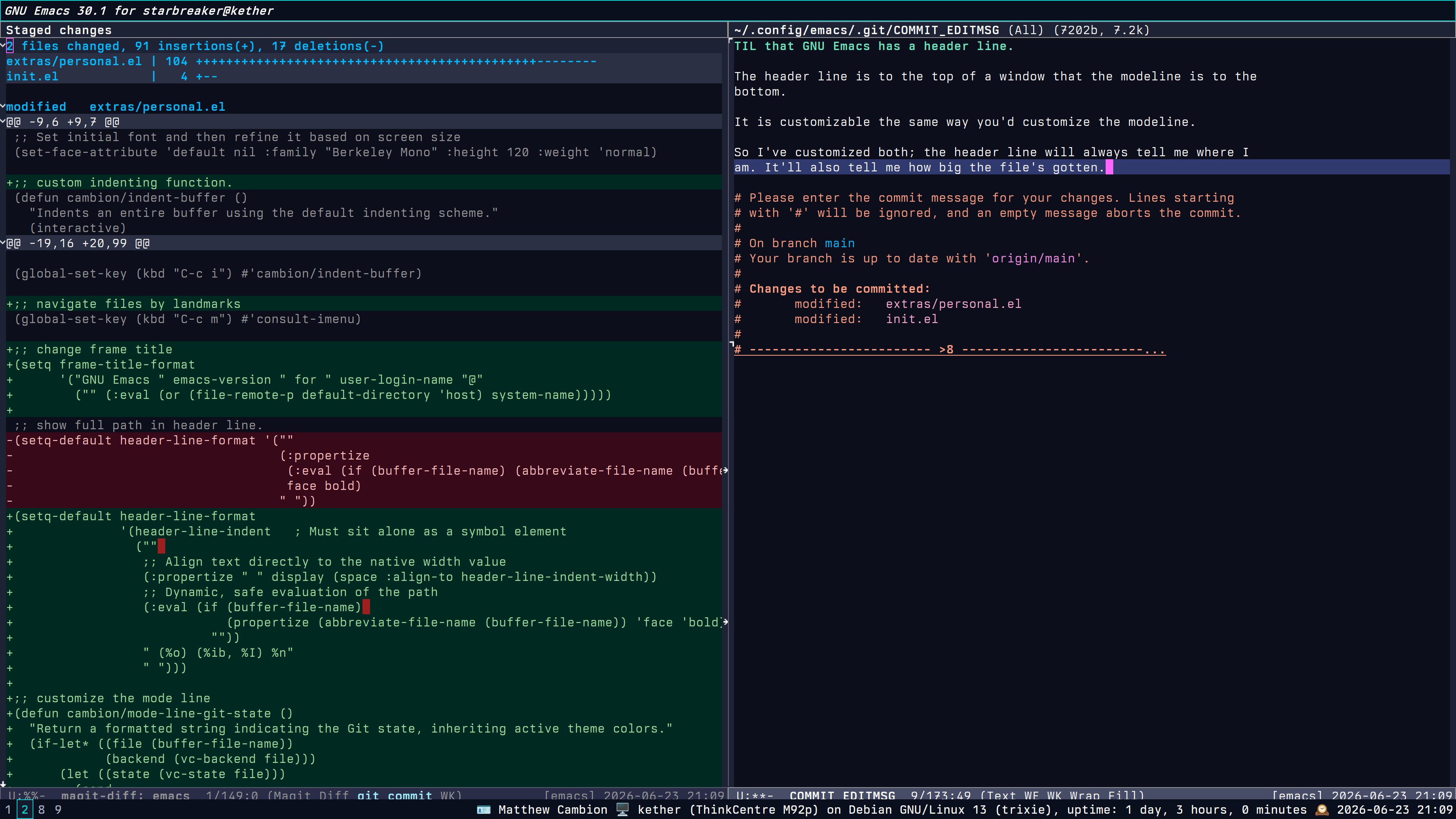
I’ve crossed to the dark side on my desktop rig after I rolled the dice one time too many updating Debian Sid and fouled up my system because the proprietary nVidia drivers didn’t build for the new kernel version.
So now I’m on Trixie, and the included Emacs 30.1 is good enough for my purposes, so I decided to give Weyland-Yutani another shot. Turns out it works OK with the libre nouveau driver for nVidia hardware, at least on my GT 710 GPU.
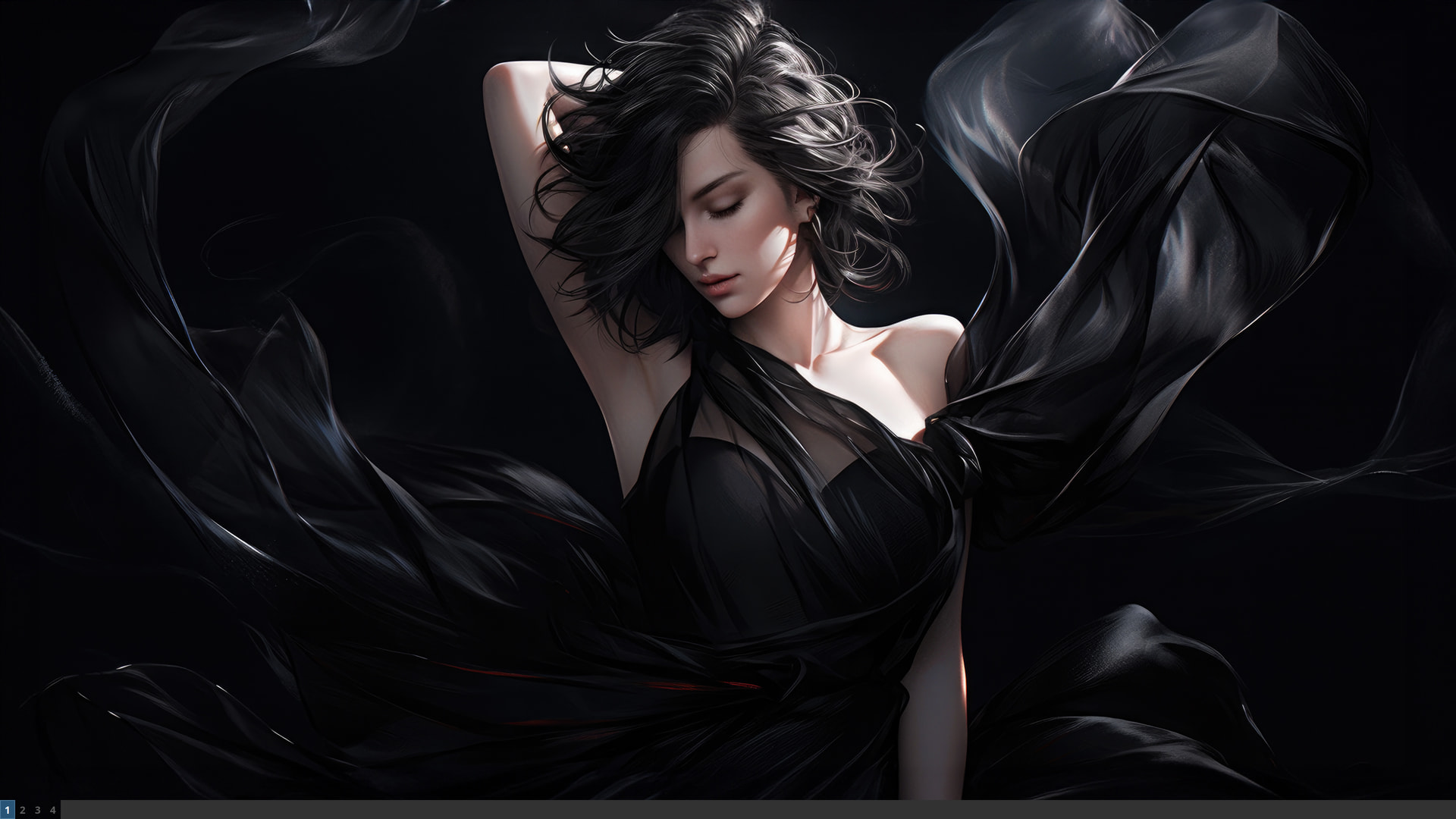
sway with no windows. I’ve got the clock in the bar disabled because Emacs already shows the time in the modeline.
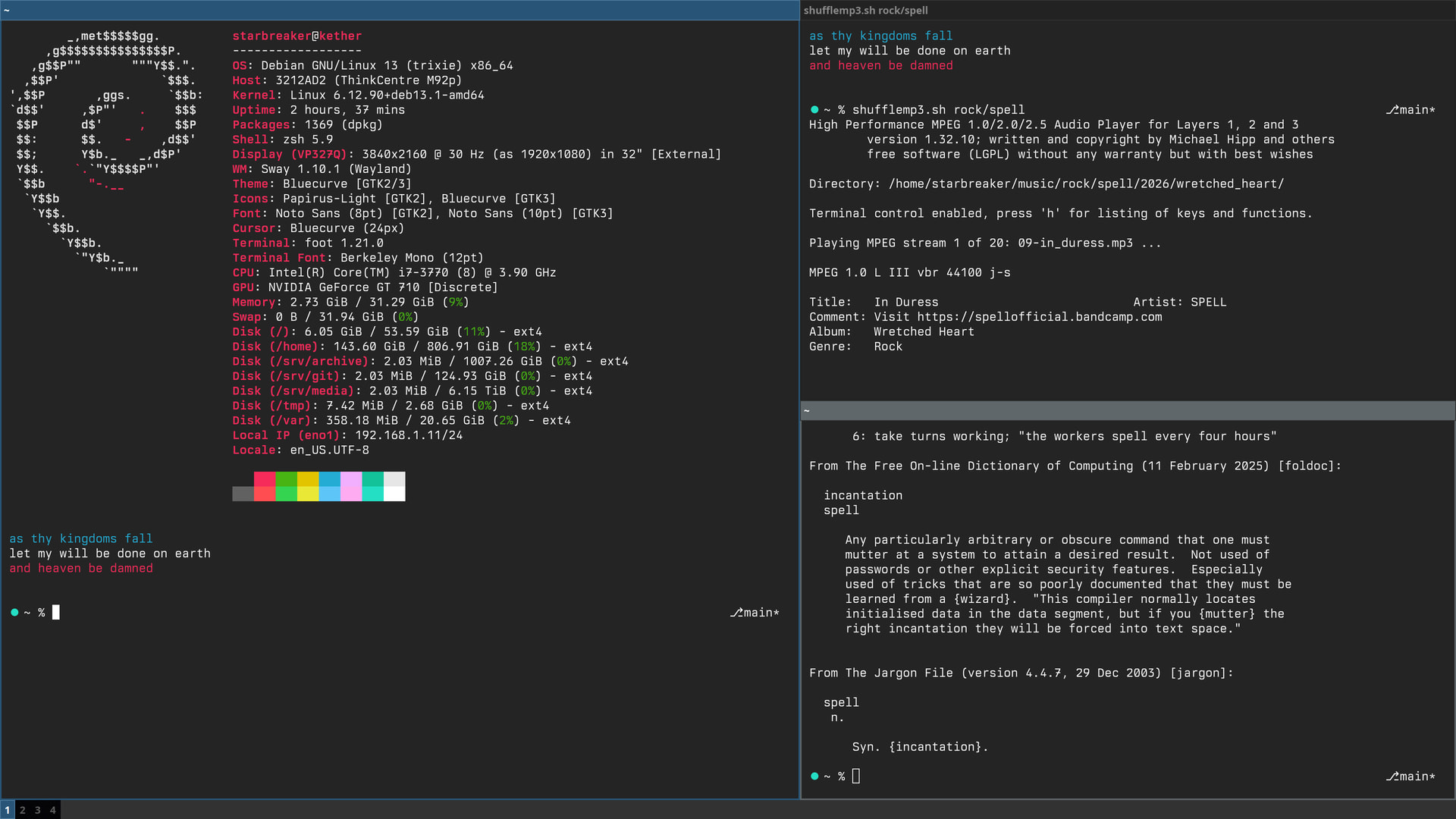
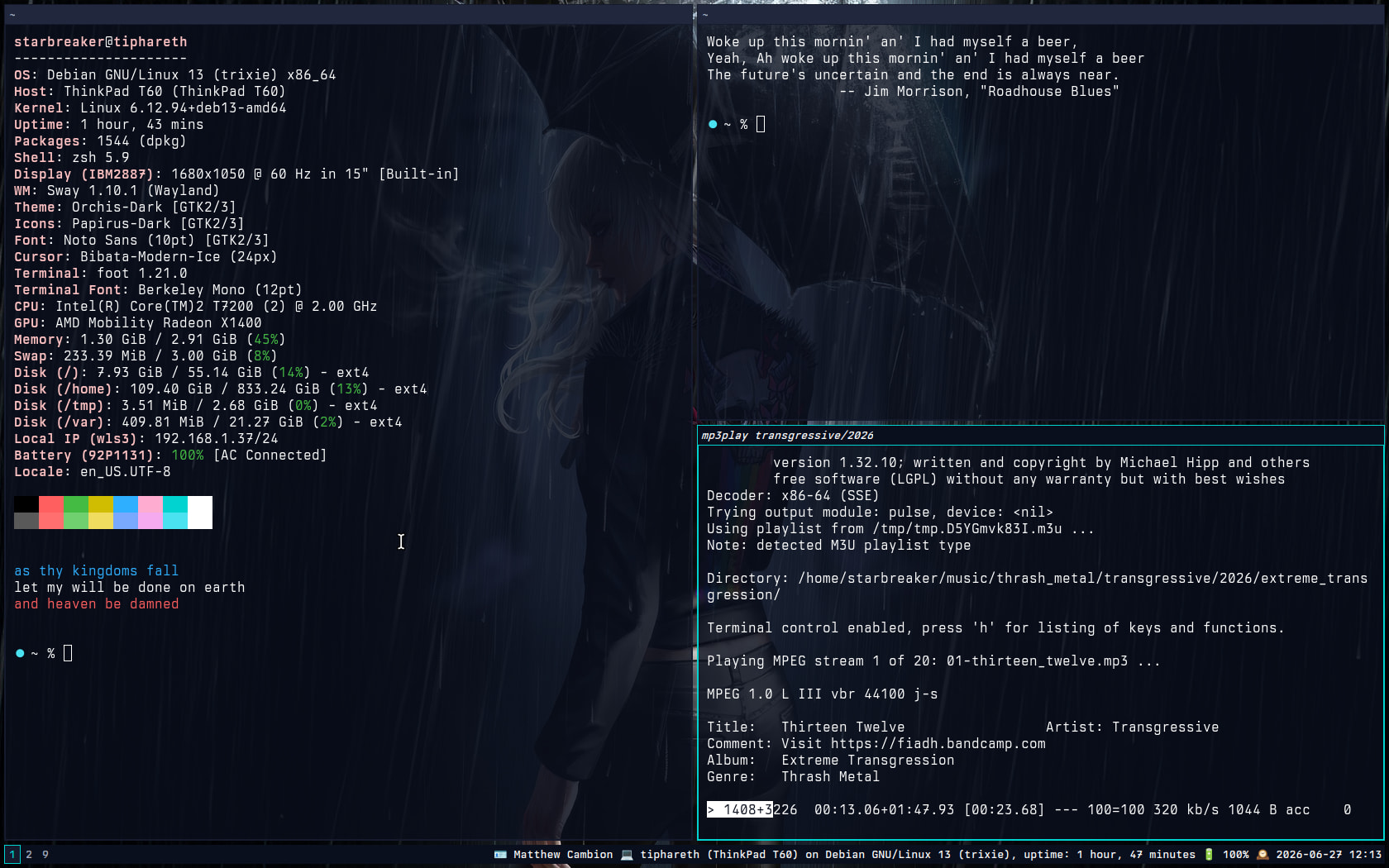
sway with a bunch of terminals open.
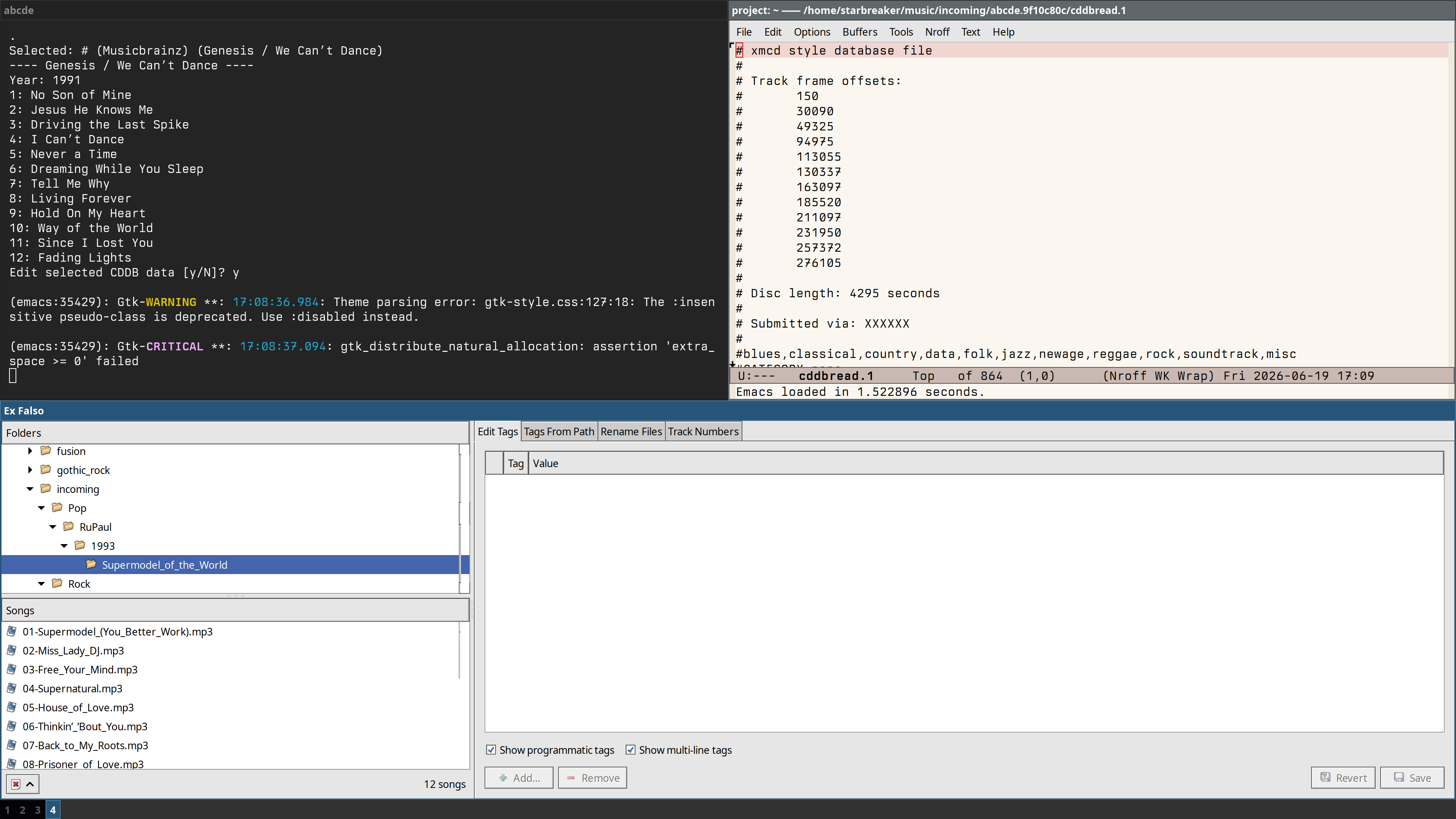
And here I am ripping some secondhand albums my wife found at an estate sale, as one does…
The real test will be whether Weyland-Yutani works on my Thinkpad T60. If so, I might downgrade that from Sid to Trixie and make a nice writerdeck out of it using Sway and Emacs.
EDIT for Fri Jun 19 09:54:15 PM EDT 2026
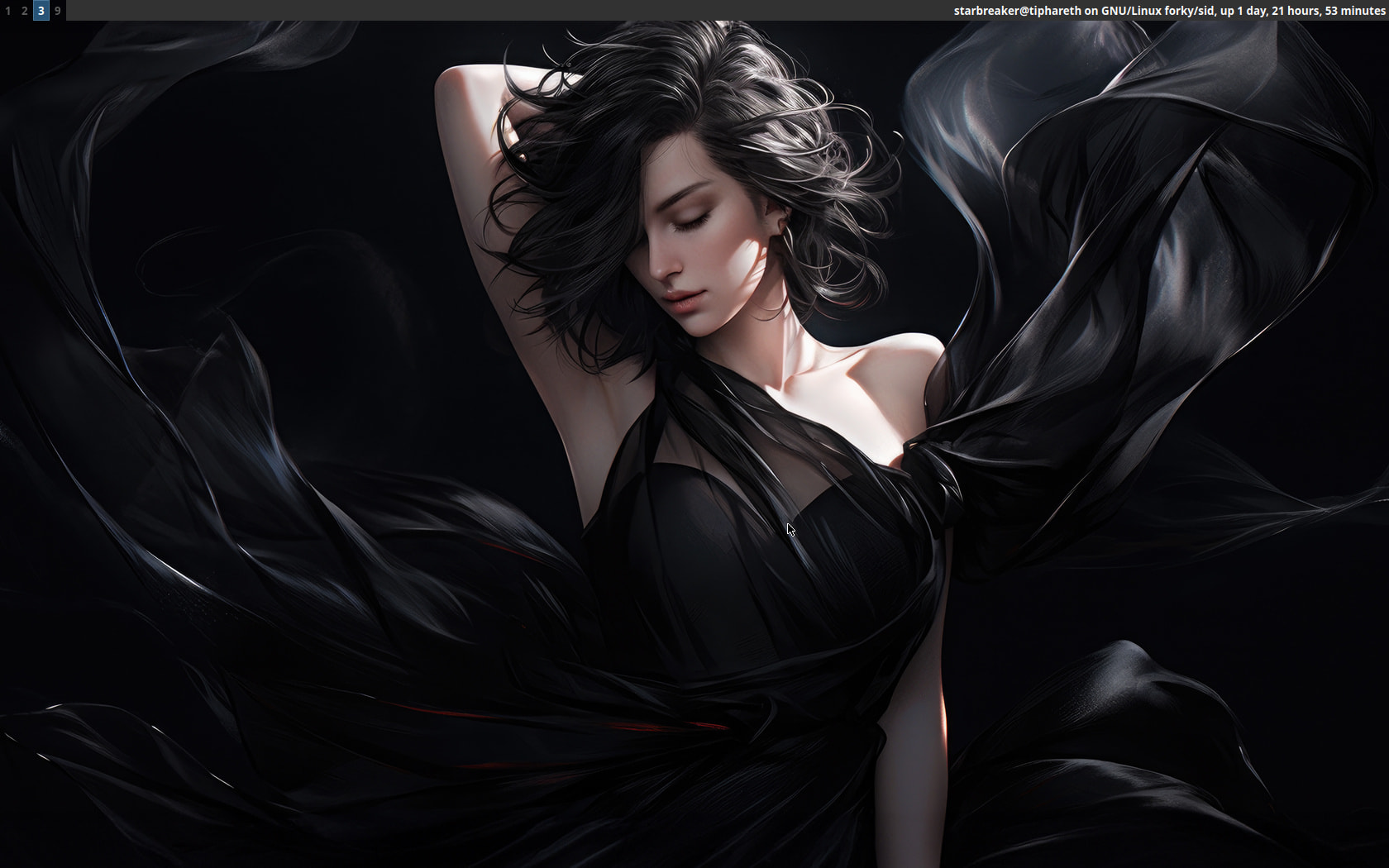
Shockingly enough, Weyland-Yutani is working on my T60. This is new; it was only a few years ago that trying to run Sway, or even Weston on the T60 with an ATI Mobility Radeon X1400 GPU would cause the screen to snow crash.
Here’s pics because it did happen…
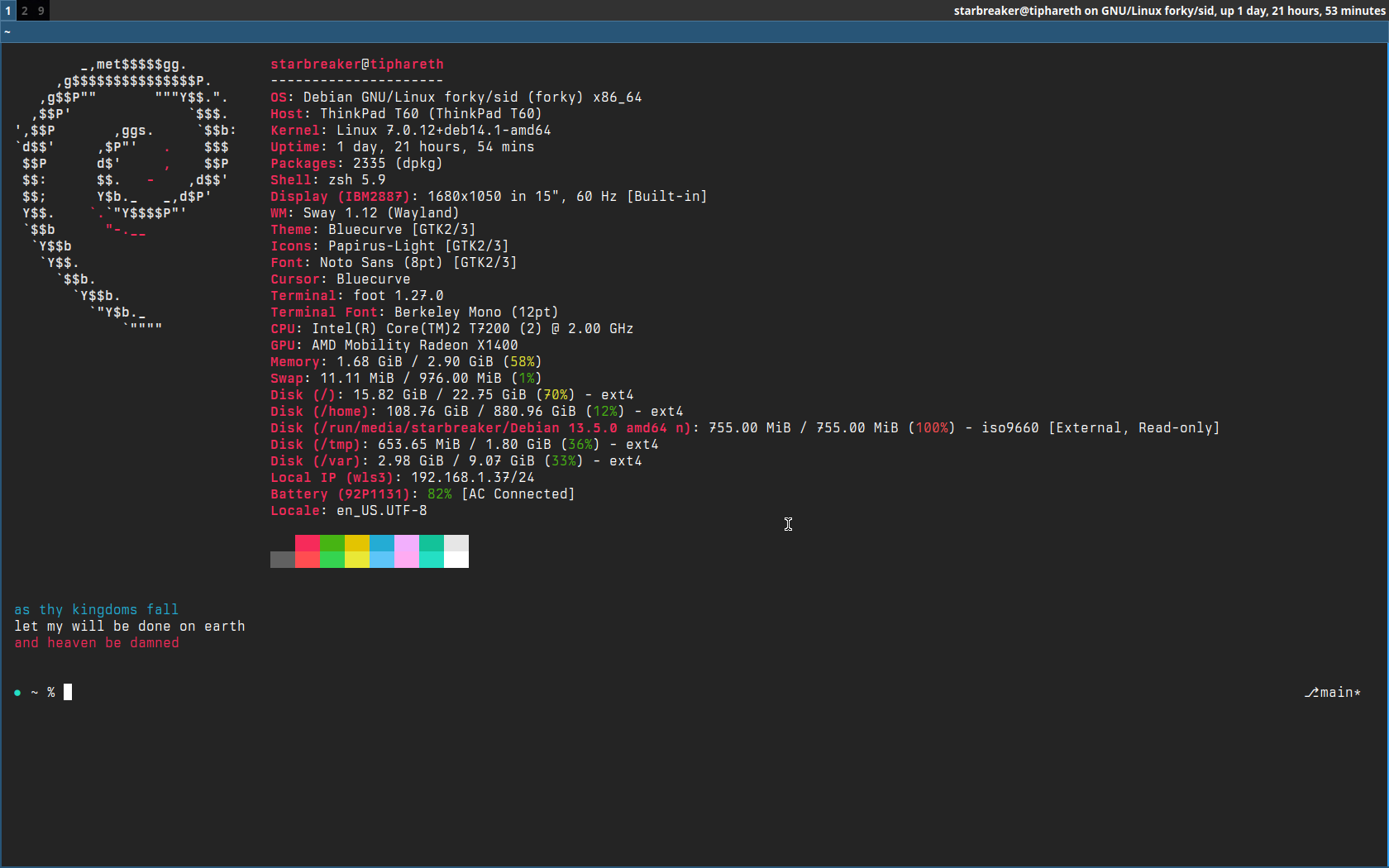
The obligatory terminal shot…
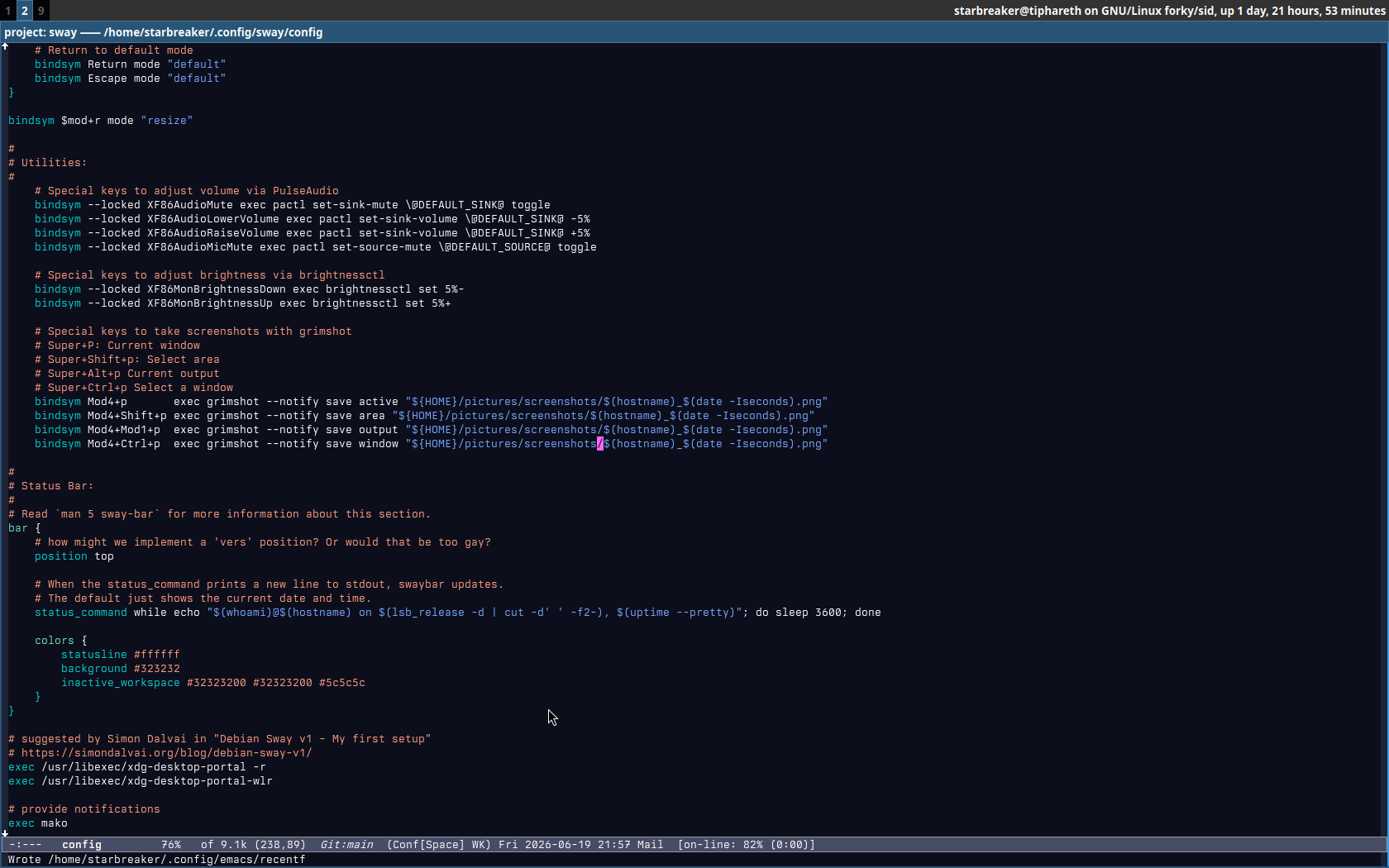
And here’s my Sway config in Emacs…
I’m still going to want to reinstall so I can revert to Debian Trixie. One scare with Unstable is enough. (I’m surprised I managed this long.)
3 Likes
Its simple but I like it like that!
1 Like
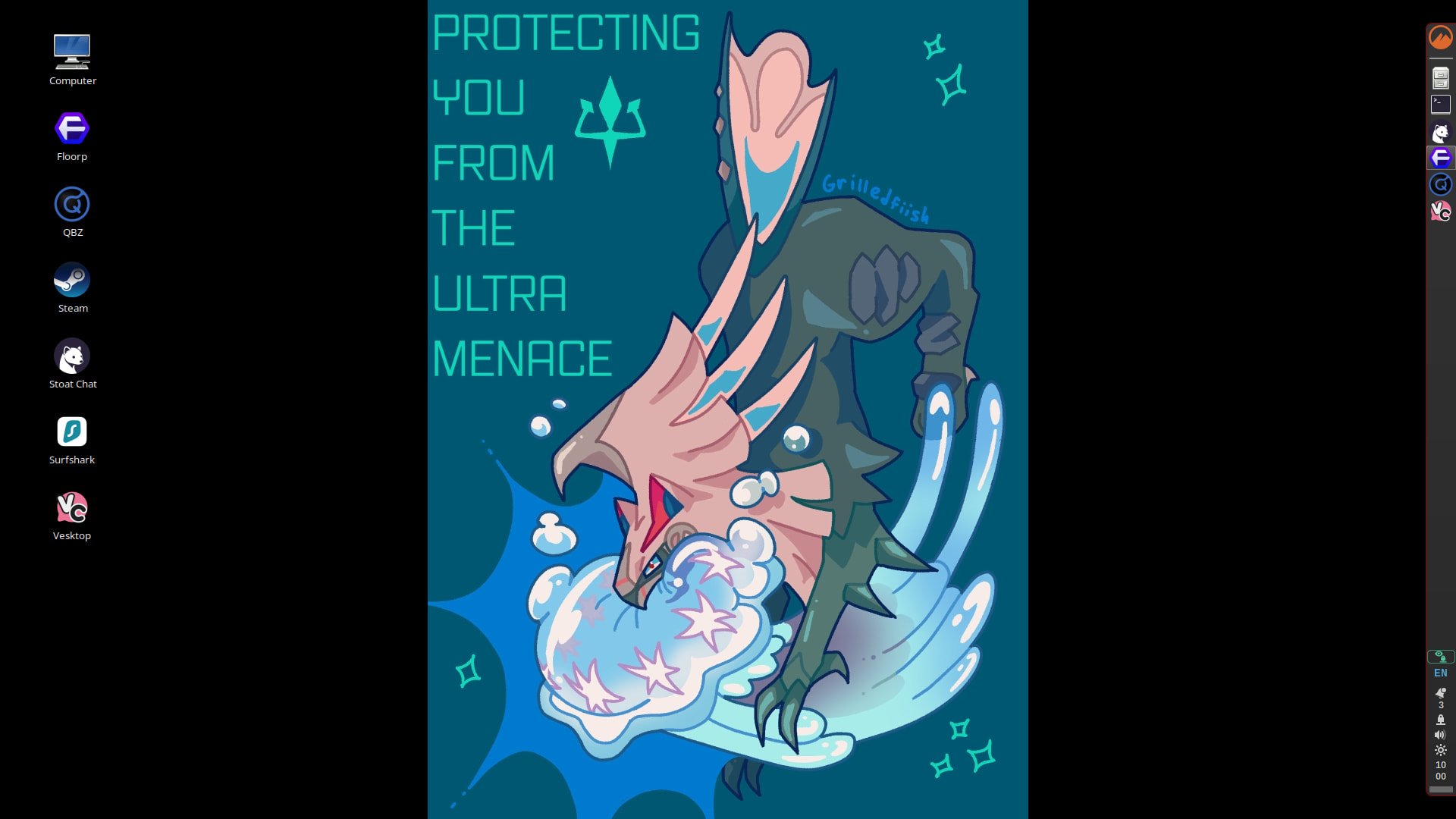
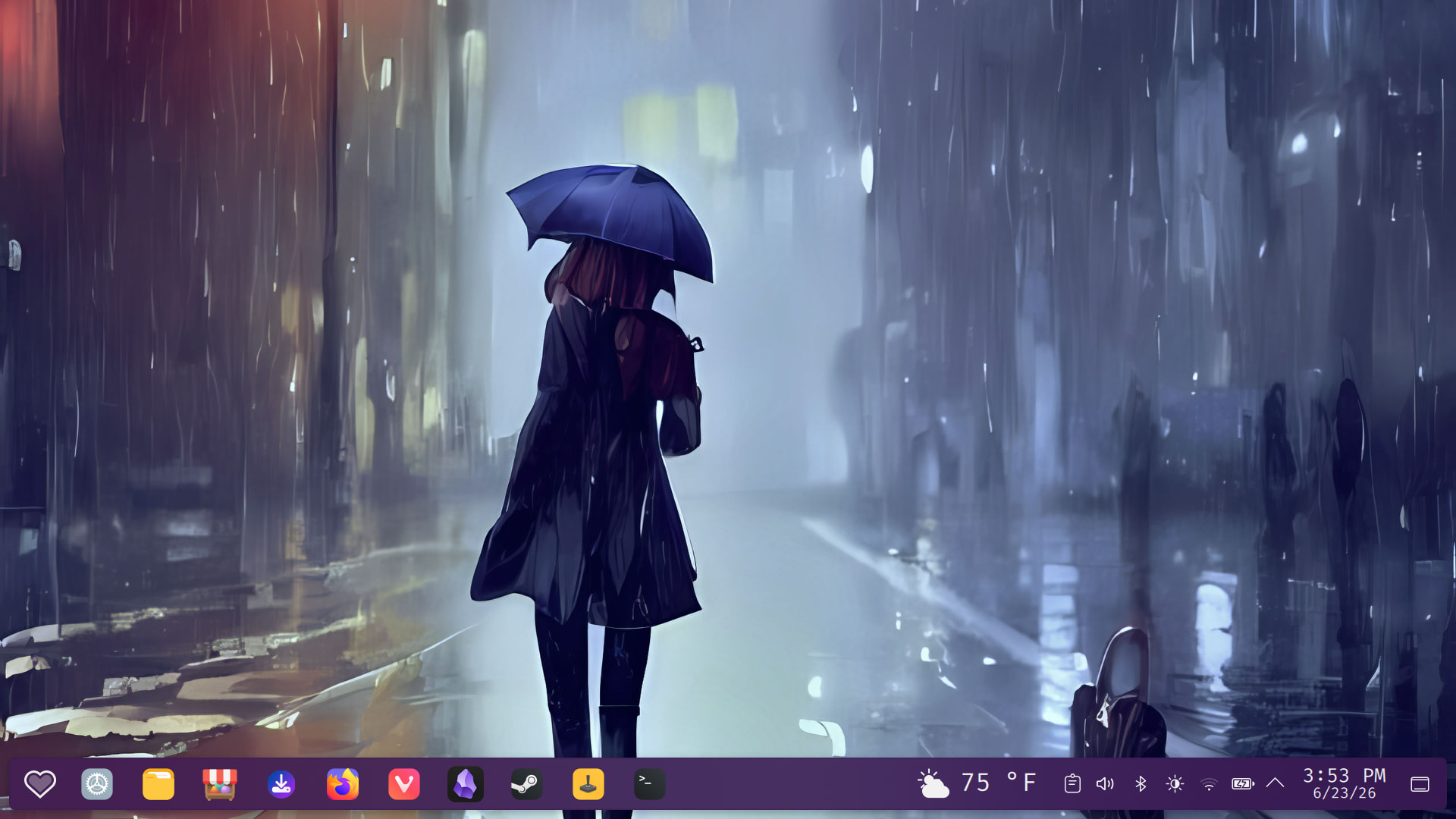
haven’t shown off my desktop in a while. so here’s two of them
this is my main laptop. in typical emma fashion i spent a long time figuring out why my laptop wouldn’t wake from sleep, learned it was that damn nvidia card again. searched far and wide and eventually ended up on Bazzite Linux then emma doesn’t want to play video games any more
anywho the main thing going on here is that i’ve been having fun setting colors for the theme i’m using. i’ve been feeling purple quite a bit lately
also i really love the background, i feel like this is how i might dress in the rain, though i think i’d like a bigger umbrella
i like this background so much that - i put it on another laptop as well!
at some point in the distribution extravaganza i tried cachy os out. which is like arch … any way it is pretty cool. this laptop is more minimal because really all i need it for is the SD card slot it has for moving photos off of my dslr
3 Likes
My new setup is actually working really nicely for me. But it’s also gotten me thinking about how Emacs displays information, so I’ve been tinkering with that tonight.
2 Likes
I think I’ve got my new Debian Stable/Wayland/Sway/Emacs more or less stabilized.
terminals:
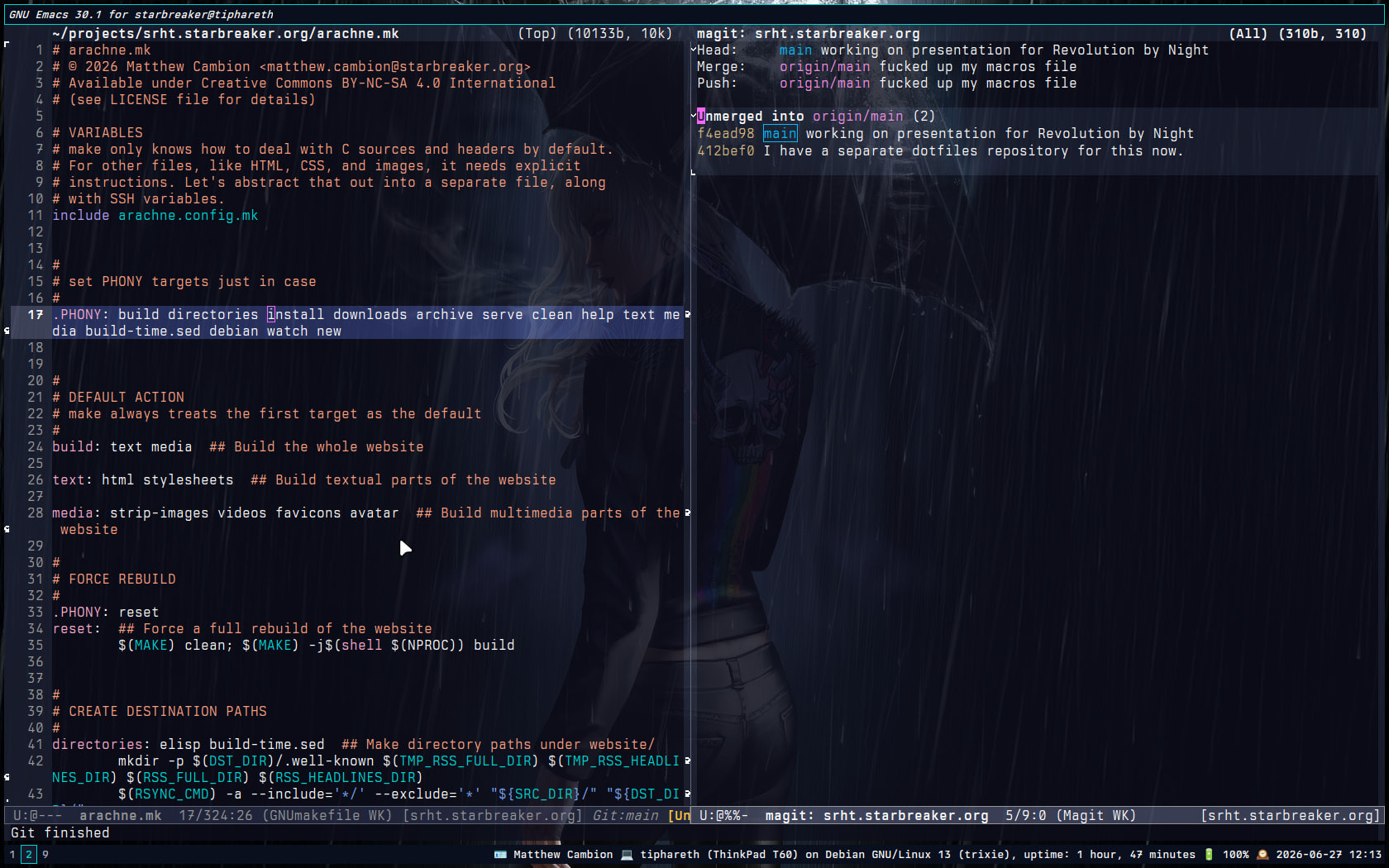
emacs (working on my website):
no windows open:
dotfile repository: ~starbreaker/debian-dotfiles - personal configurations and little utilities created for my own benefit - sourcehut git
wallpaper: https://hdqwalls.com/a-punk-girl-standing-alone-in-the-storm-wallpaper
music: Extreme Transgression | Transgressive
edit for 2026-06-28 04:15 EDT (#NoSleep)
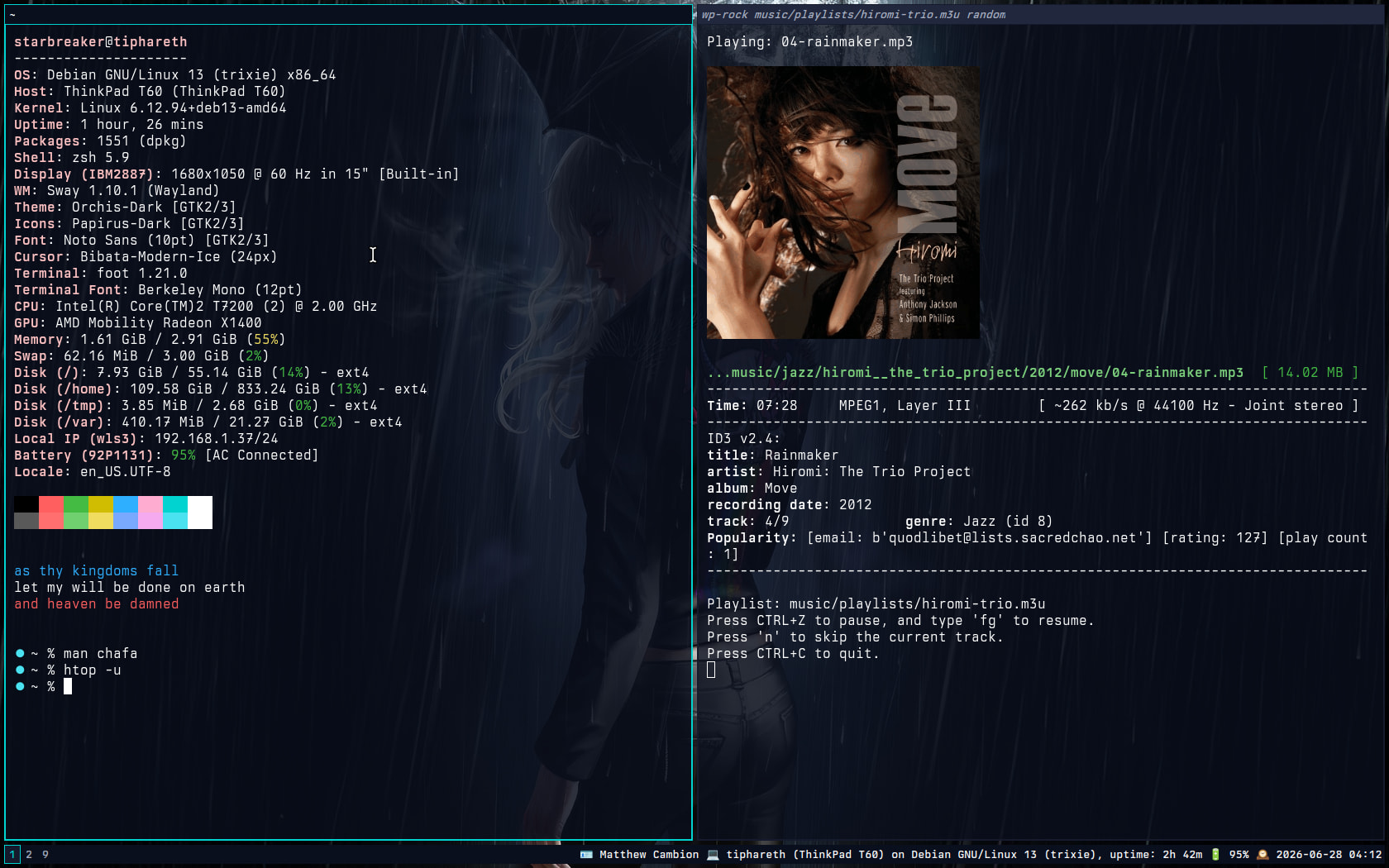
Because I’m utterly insane, I replaced basically every music player app in the multiverse with a 175 line shell script. Here’s how it looks in action:
And here’s the shell script:
#!/usr/bin/env bash

# wp-rock
# 🄯 2026 Matthew Cambion (matthew.cambion@starbreaker.org)
# builds a playlist from the specified search term if a .m3u playlist
# was not supplied, and plays each track directly through pipewire.
#
# available under the GNU General Public License v3.0
#
# requires pipewire, wireplumber, eyeD3, chafa, and standard linux
# coreutils; chafa will display album covers in compatible terminals
# like foot.

set -euo pipefail

clear

INPUT="${1:-}"
MODE="${2:-}" # Available: single, loop, shuffle, loop-shuffle, repeat-one

declare -a PLAYLIST=()
declare TARGET_PLAYLIST=""

# 1. Gather or generate the playlist
if [[ -f "${INPUT}" && "${INPUT}" == *.m3u ]]; then
    PLAYLIST_FILE="${INPUT}"
    mapfile -t PLAYLIST < "${INPUT}"
else
    # Fallback to search term if no .m3u file is provided
    if [[ -z "${INPUT}" ]]; then
        SCRIPT=$(basename "$0")
        printf "Usage:  %s playlist|pattern [mode]\n" "${SCRIPT}" >&2
        printf "\t- playlist: a path to a .m3u file\n" >&2
        printf "\t- pattern: a regular expression matching a file path in \${HOME}/music\n" >&2
        printf "\t- mode: an optional parameter that can be one of the folllowing:\n" >&2
        printf "\t\t- loop: repeat the playlist track order.\n" >&2
        printf "\t\t- shuffle: play through the playlist once in random order.\n" >&2
        printf "\t\t- random: repeatedly shuffle through the playlist until stopped.\n" >&2
        printf "\t\t- repeat-one: repeat the first track in the list until stopped.\n" >&2
        printf "\t\t- (blank): stop at the end of the playlist.\n" >&2
        printf "\tPause playback with CTRL+C. Resume with 'fg'.\n" >&2
        exit 1
    fi

    # Create a secure temp file in /tmp
    TEMP_FILE=$(mktemp /tmp/wprock.XXXXXX)

    # Ensure the temp file is deleted even if the script crashes or is aborted
    trap 'rm -f "${TEMP_FILE}"' EXIT

    # Find matching music and dump it into the temp file
    find "${HOME}/music" -name "*.mp3" \
        | grep -Ei "${INPUT}" \
        | sort > "${TEMP_FILE}"

    # Define the final home for the playlist
    CLEAN_INPUT="${INPUT//[^[:alnum:]]/-}"

    PLAYLIST_NAME="${CLEAN_INPUT//--/-}"
    while [[ "$PLAYLIST_NAME" == *"--"* ]]; do
        PLAYLIST_NAME="${PLAYLIST_NAME//--/-}"
    done

    PLAYLIST_FILE="${HOME}/music/playlists/${PLAYLIST_NAME}.m3u"

    # Create the directory structure and copy the file with safe permissions
    install -m 644 -D "${TEMP_FILE}" "${PLAYLIST_FILE}"
    PLAYLIST_MSG="Playlist generated and archived to: ${PLAYLIST_FILE}"
    echo "${PLAYLIST_MSG}"

    # Load the newly saved playlist lines into the Bash array
    mapfile -t PLAYLIST < "${PLAYLIST_FILE}"
fi

# Safety check: Stop if the playlist ended up being completely empty
if [ ${#PLAYLIST[@]} -eq 0 ]; then
    echo "No tracks found matching your criteria."
    exit 1
fi

# 2. Define the playback engine
play_track() {
    clear
    local playlist="${1}"
    local track="${2}"
    local track_path=$(dirname "${track}")
    echo "Playing: $(basename "${track}")"
    echo

    # If we aren't careful, attempting to display covers could crash the whole script.
    if [[ -f "${track_path}/cover.jpg" ]]; then
        chafa --size 33x33 "${track_path}/cover.jpg"
    elif [[ -f "${track_path}/cover.png" ]]; then
        chafa --size 33x33 "${track_path}/cover.png"
    else
        echo "No cover image available for this track."
    fi

    echo
    eyeD3 "${track}"
    echo

    echo "Playlist: ${playlist}"
    echo "Press CTRL+Z to pause, and type 'fg' to resume."
    echo "Press 'n' to skip the current track."
    echo "Press CTRL+C to quit."

    pw-play "${track}" &
    AUDIO_PID=$!

    # 1. When the user presses CTRL+Z, catch SIGTSTP
    trap '
    echo "Pausing audio..."
    kill -STOP "${AUDIO_PID}"  # Freeze the audio engine
    trap - SIGTSTP             # Temporarily reset the trap to avoid a loop
    kill -TSTP $$              # Send SIGTSTP to the script itself to freeze it
' SIGTSTP

    # 2. When the user types "fg", the script receives SIGCONT to wake up
    trap '
    echo "Resuming audio..."
    kill -CONT "${AUDIO_PID}"  # Unfreeze the audio engine
    # Re-register the TSTP trap for the next pause
    trap "kill -STOP ${AUDIO_PID}; trap - SIGTSTP; kill -TSTP \$\$" SIGTSTP
' SIGCONT

    # Loop as long as the song is actively playing
    while kill -0 "${AUDIO_PID}" 2>/dev/null; do
        # Read a single character from stdin; timeout after 0.5 seconds
        if read -t 0.5 -n 1 KEY; then
            if [[ "${KEY}" == "n" ]]; then
                echo "Skipping..."
                kill "${AUDIO_PID}" # Kill just the audio engine
                break
            fi
        fi
    done
}

# 3. The Feature Matrix (Handles playback style based on MODE)
case "${MODE}" in
    shuffle)
        echo "Mode: Shuffle (Single Playthrough)"
        mapfile -t SHUFFLED < <(shuf -e "${PLAYLIST[@]}")
        for TRACK in "${SHUFFLED[@]}"; do play_track "${PLAYLIST_FILE}" "${TRACK}"; done
        ;;

    random)
        echo "Mode: Infinite Loop Shuffle (Press CTRL+C to stop)"
        while true; do
            mapfile -t SHUFFLED < <(shuf -e "${PLAYLIST[@]}")
            for TRACK in "${SHUFFLED[@]}"; do play_track "${PLAYLIST_FILE}" "${TRACK}"; done
        done
        ;;

    loop)
        echo "Mode: Loop Entire Playlist (Press CTRL+C to stop)"
        while true; do
            for TRACK in "${PLAYLIST[@]}"; do play_track "${PLAYLIST_FILE}" "${TRACK}"; done
        done
        ;;

    repeat-one)
        echo "Mode: Repeat First Track Forever (Press CTRL+C to stop)"
        while true; do
            play_track "${PLAYLIST_FILE}" "${PLAYLIST[0]}"
        done
        ;;

    *)
        echo "Mode: Standard Playback"
        for TRACK in "${PLAYLIST[@]}"; do play_track "${PLAYLIST_FILE}" "${TRACK}"; done
        ;;
esac
3 Likes
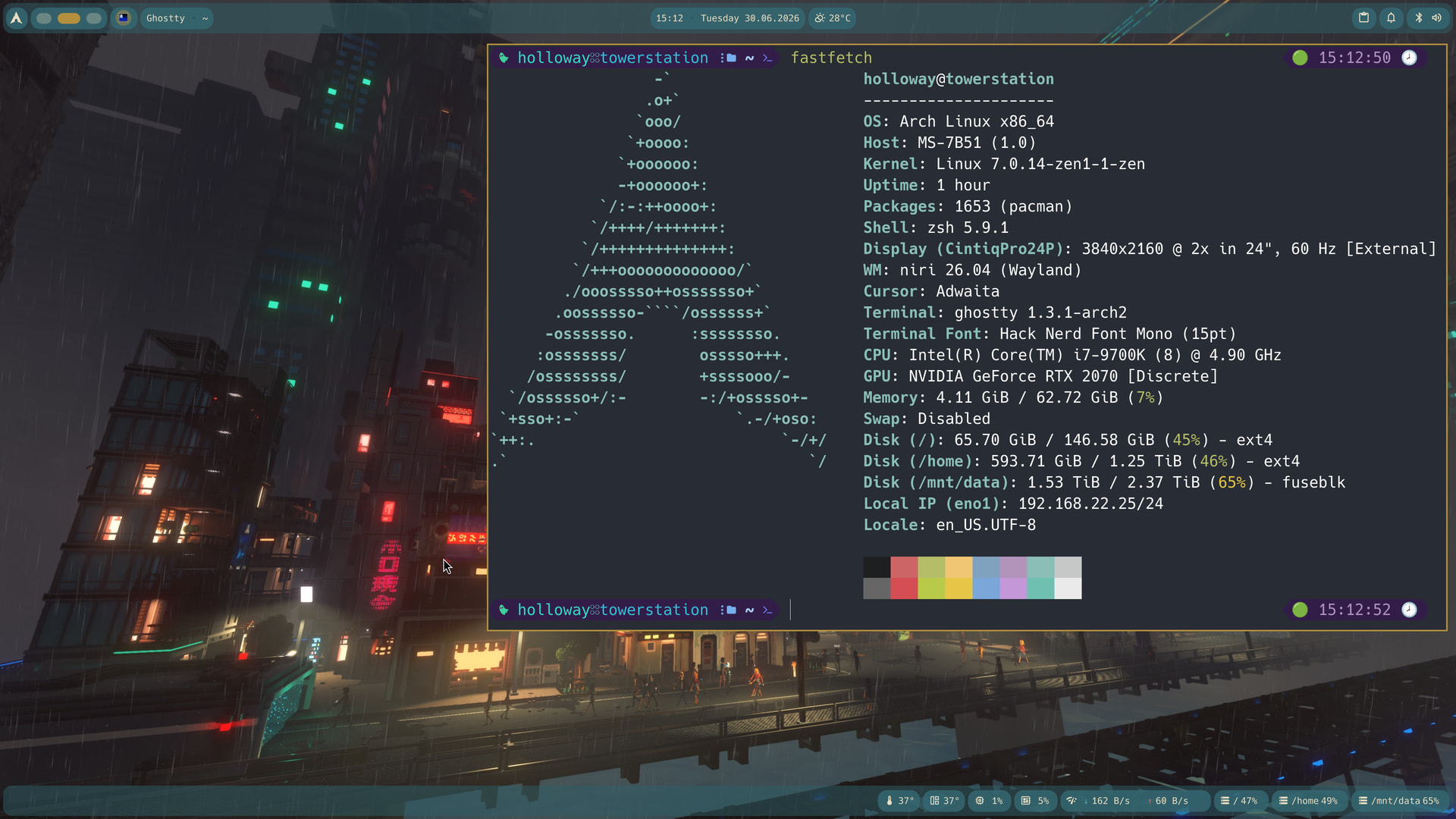
I enjoy keyboard focused window managers, and recently I discovered niri with dank material shell and I instantly fell in love with it, I used i3 for a very long time before that.
The wallpaper is a screenshot I took from the game Cloudpunk and the color theme I tinkered myself. I also never have any icons on my desktop. I like it clean. 
5 Likes
That’s some tasty rice you’ve got there. How do you like niri so far?
I love it, the concept of an infinite horizontal layer is genius, and it runs with wayland which makes use of high resolution displays much better. It’s a really great modern window manager.
1 Like
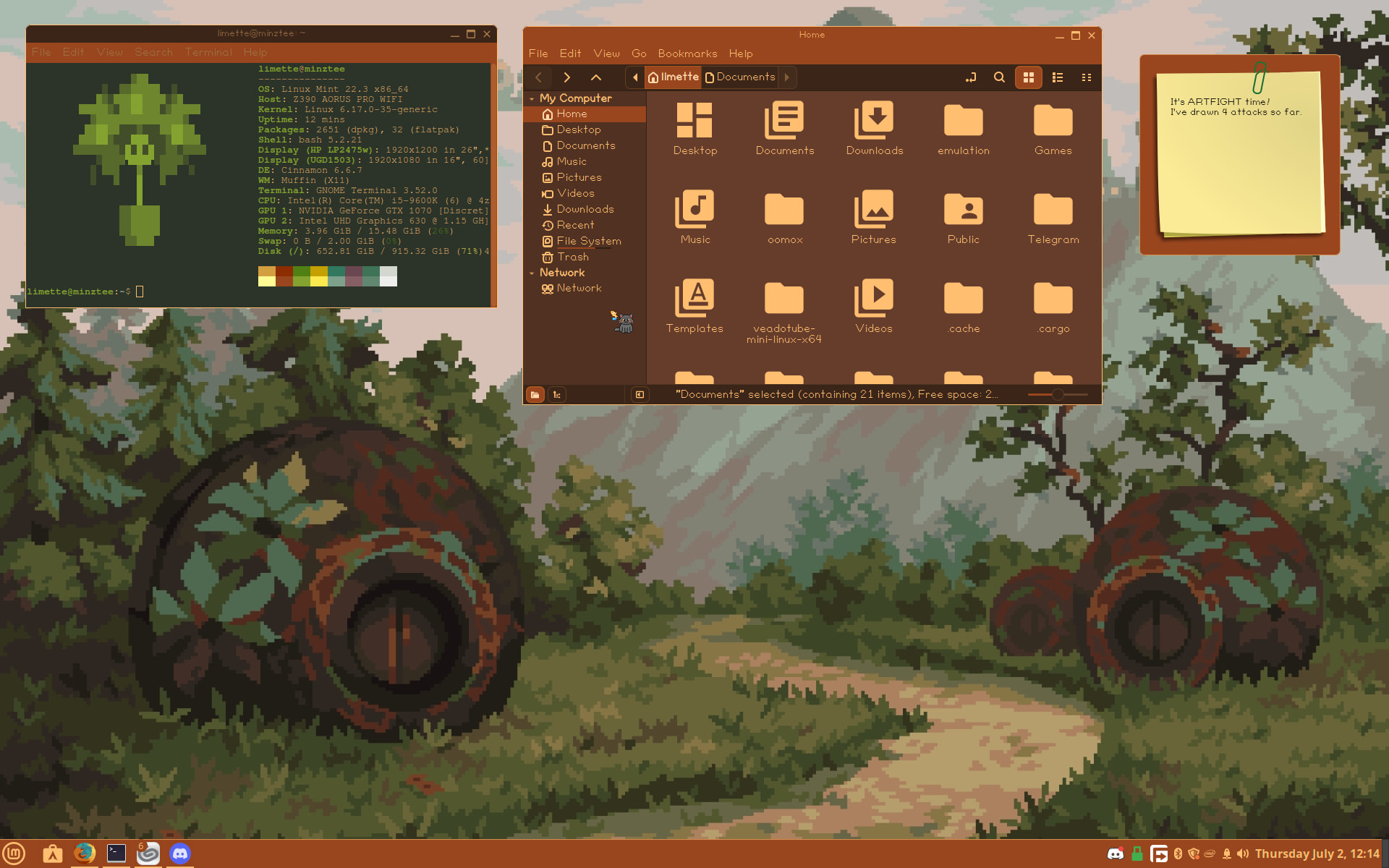
I use Linux Mint Cinnamon and put myself a simple custom theme together. The terminal ASCII art is my OC, Life! The wallpaper is from Wallpaper Haven.
5 Likes
I love your ascii art  (We need more ascii art in our lives ) And the color theme blends really well with the background.