hi everyone! ive been thinking of burning my own cds/dvds for some things that didnt have physical releases but i dont really know how? i mean ive got a pretty good idea of how to burn them but im kind of struggling with like:
what kind of blank discs do i buy
what kind of file format/quality should i aim for (if possible cause i know some of the stuff i have to burn is going to be crunchy no matter what lol)
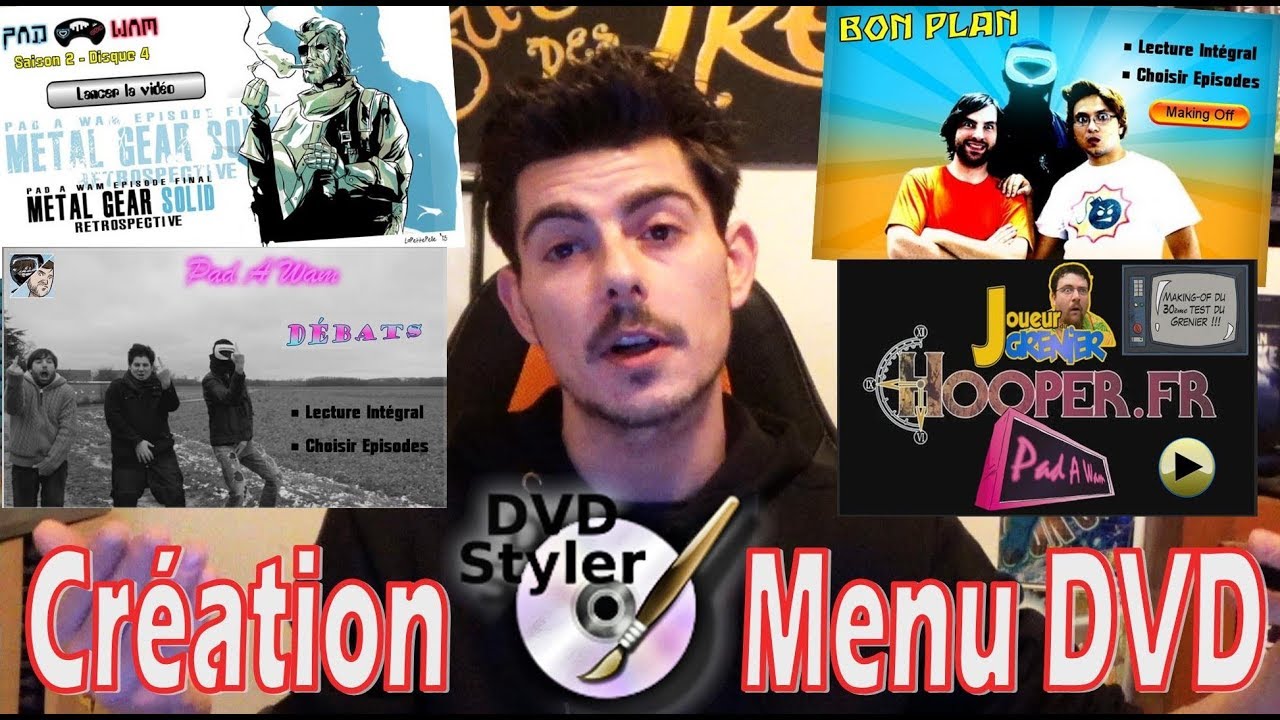
what do i use to do cool things with dvds like menus, subtitles,…
ive tried looking for tutorials but they usually just say “use one of these five options” without really going into the pros and cons. like whats easiest to learn? what can you do with xyz software? etc etc. id love to know what yalls process for burning cds/dvds is and hopefully itll help me figure it out!
hey, im no expert but I have been burning CDs for a many years (maybe badly actually lol) so heres a few things I know, anyone please correct if I got anything wrong…
I usually buy CD-RWs and DVD-RWs in case I want to change something but beware that there may be certain players that can’t read them, for some reason my Sony discman won’t recognize any CD-RWs but my stationary Sony CD player does. CD-Rs are writable only once, after that the data cannot be erased or re-written but they are recognized by more players. CD-ROMs are read only so you can’t do anything to it. Same for DVDs, tho there is slight difference between DVD-R/DVD+R and DVD-RW/DVD+RW. DVD-R and DVD-RW are better when it comes to backwards compatibility.
I just use high bitrate mp3s for my CD mixes but people say since flac is lossless it’s a slightly better option. I don’t really hear the difference, to me CDs in general just sound way better than YT or Spotify so I don’t mind.
I actually don’t know anything about making menus but would like to find out, it sounds fun!
I burn via windows media player and I think it’s just the easiest. Just drop your playlist into the list on the right-most side and go into the burn tab. Make sure your PC recognizes that you’ve got a disc in. Then it should be as easy as pressing burn and waiting for it to finish up.
i saw a tumblr tutorial on making dvd menus once and ive been trying to find it again but google wasnt helpful so ive been digging through my drafts in case i saved it there. if i find it again i will share it because several people have told me they wanna know how to make dvd menus
I’ve made DVDs as gifts in the past, and I ended up using DVD Styler for them. It was a bit fiddly, and there aren’t that many options for making menus and stuff, but I was able to use that program to set up some menus for Youtube videos and stuff. Just figured I might throw it out there in case you can’t find the Tumblr post!