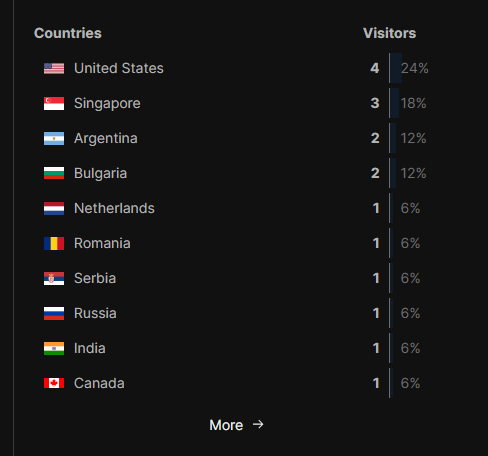
A lot of information is exchanged when you visit a website. This includes your IP address, the date and time, the page(s) you visited, the assets on the page, the server return codes, the bandwidth used, your browser type and version, and your OS type and version. Some information can be spoofed.
Some hosts give you access to the site server logs, many don’t, but some allow you to use your own analytics. I self-host so have access to about 15 years of old logs.
I use analyzers that were first written 25+ years ago to make sense of the logs Analog, AWStats and Webalizer - and some certainly look their age. At one time there were lots of these things written, I’ve got a list of about 40 more I want to see if they still work. If I ever find the time.
What I’m most interested in are the most popular type of pages so I can write more, what error codes are being produced by the server and how efficiently it’s running - the server software keeps it’s own logs for that.
Just checked the list to see options other than the aforementioned Umami and noticed it isn’t actually on it! Lookin’ at this topic, it seems like it deserves a spot. ^^
I used to use https://clicky.com for a while which is better than google analytics, but after time I realized that I don’t really care that much about tracks or page views, and actually the only thing I really gave a shit about was referrals (or who’s linking to my site).
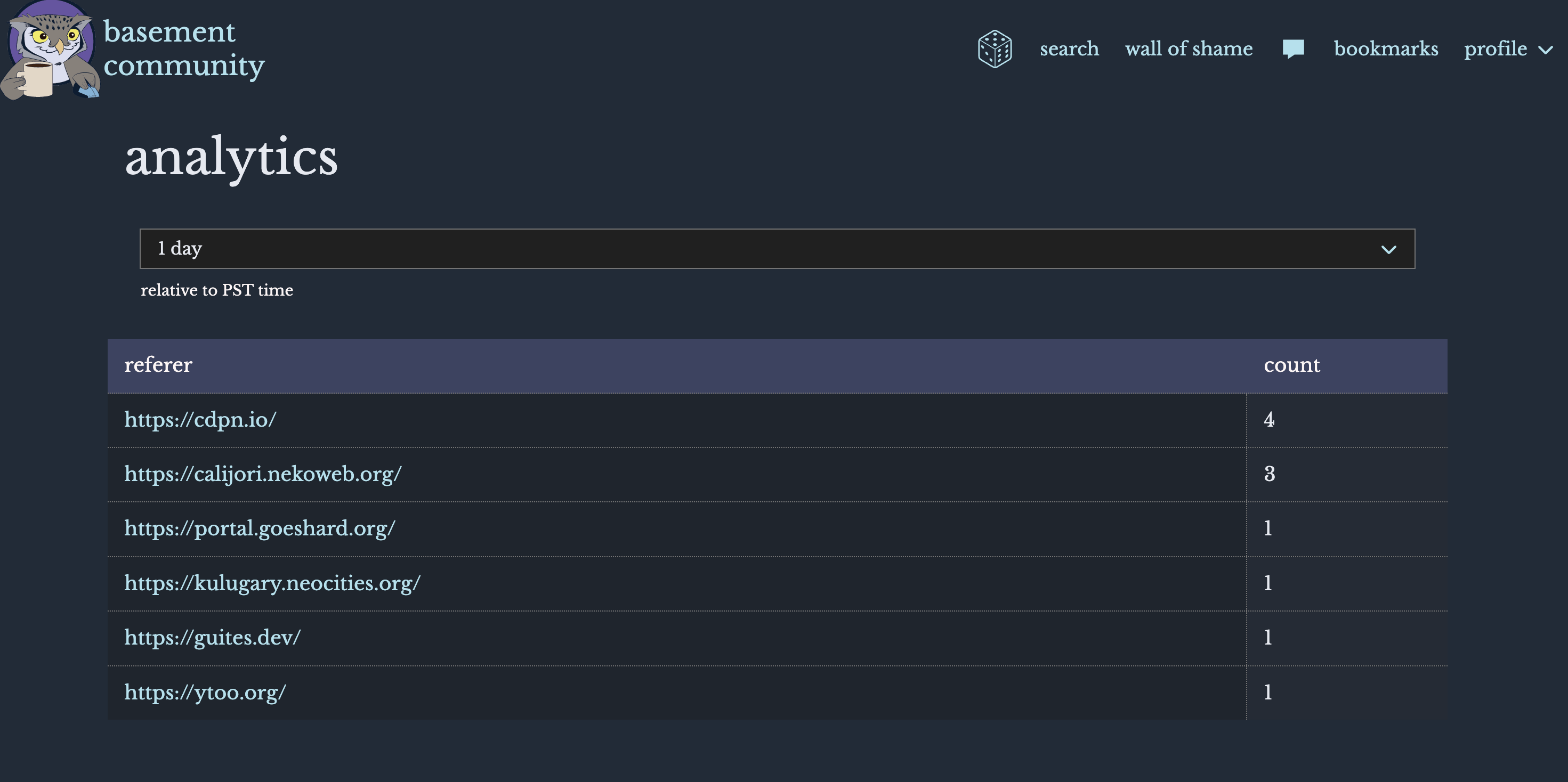
So I ended up just creating an endpoint to add referrals to my own database and made a little page to print out the list of referrals and how many times people are coming from those sites: